
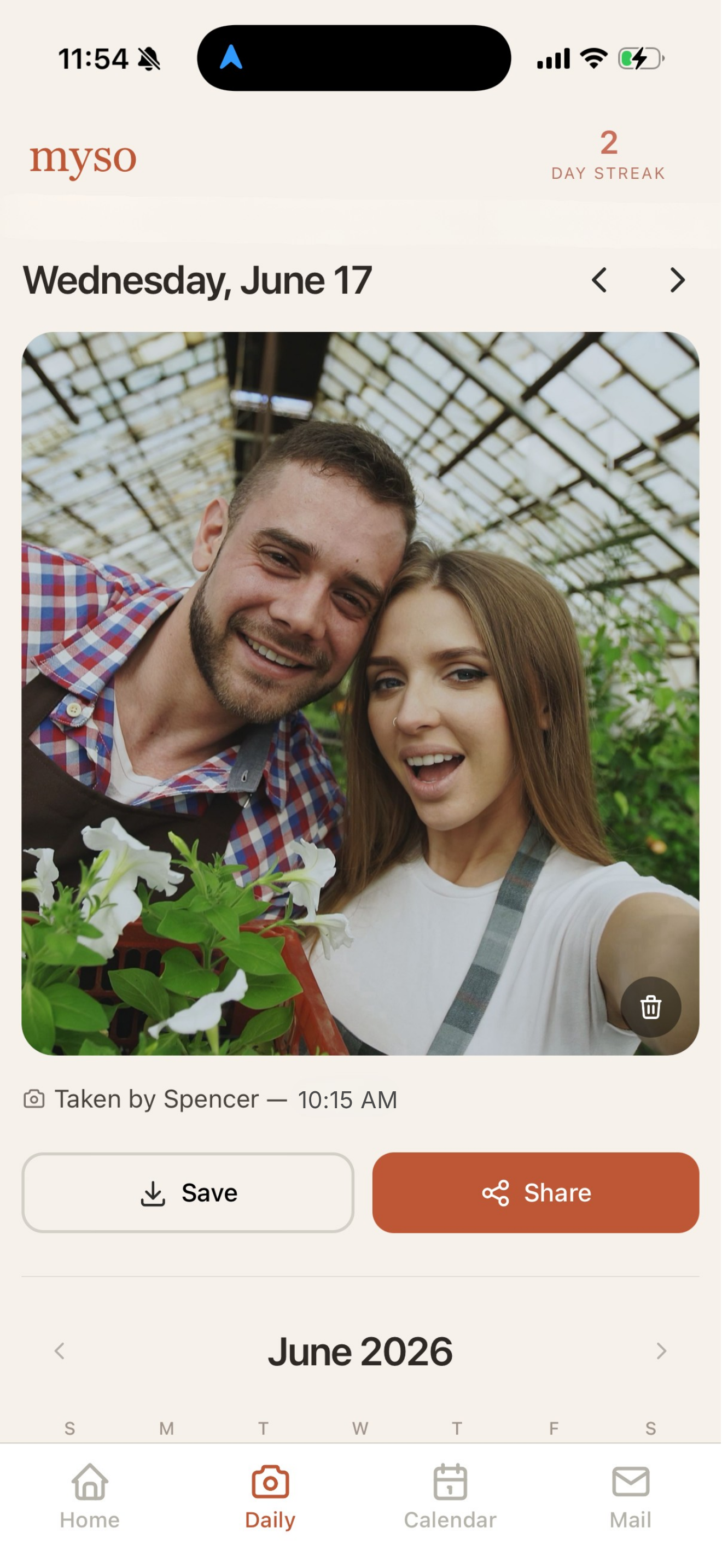
Daily photos
One photo a day. Take one of you two together, a fun pet pic, or anything else you want to represent the day.
Photos, games, letters, and plans — shared with exactly one person.

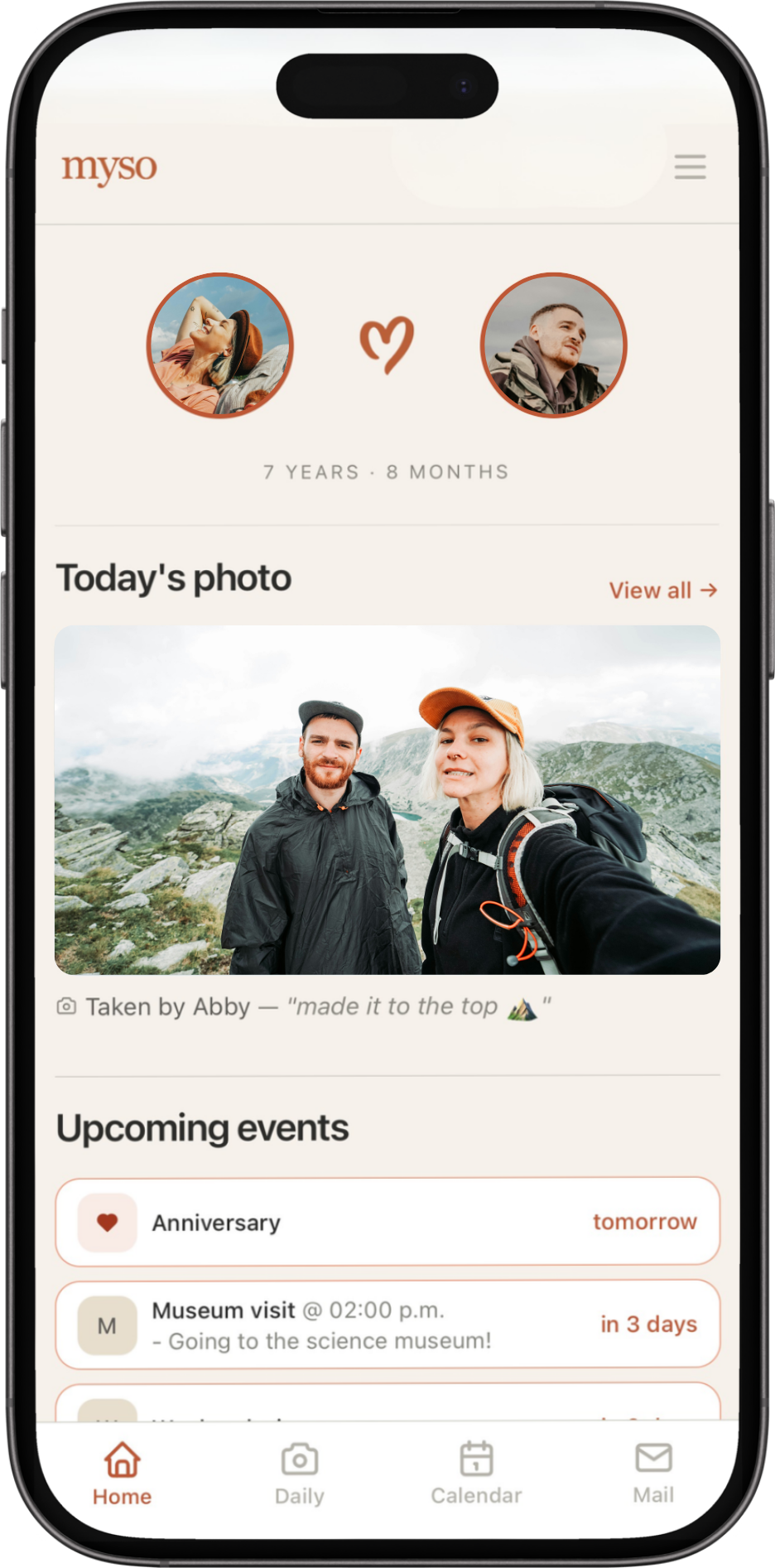
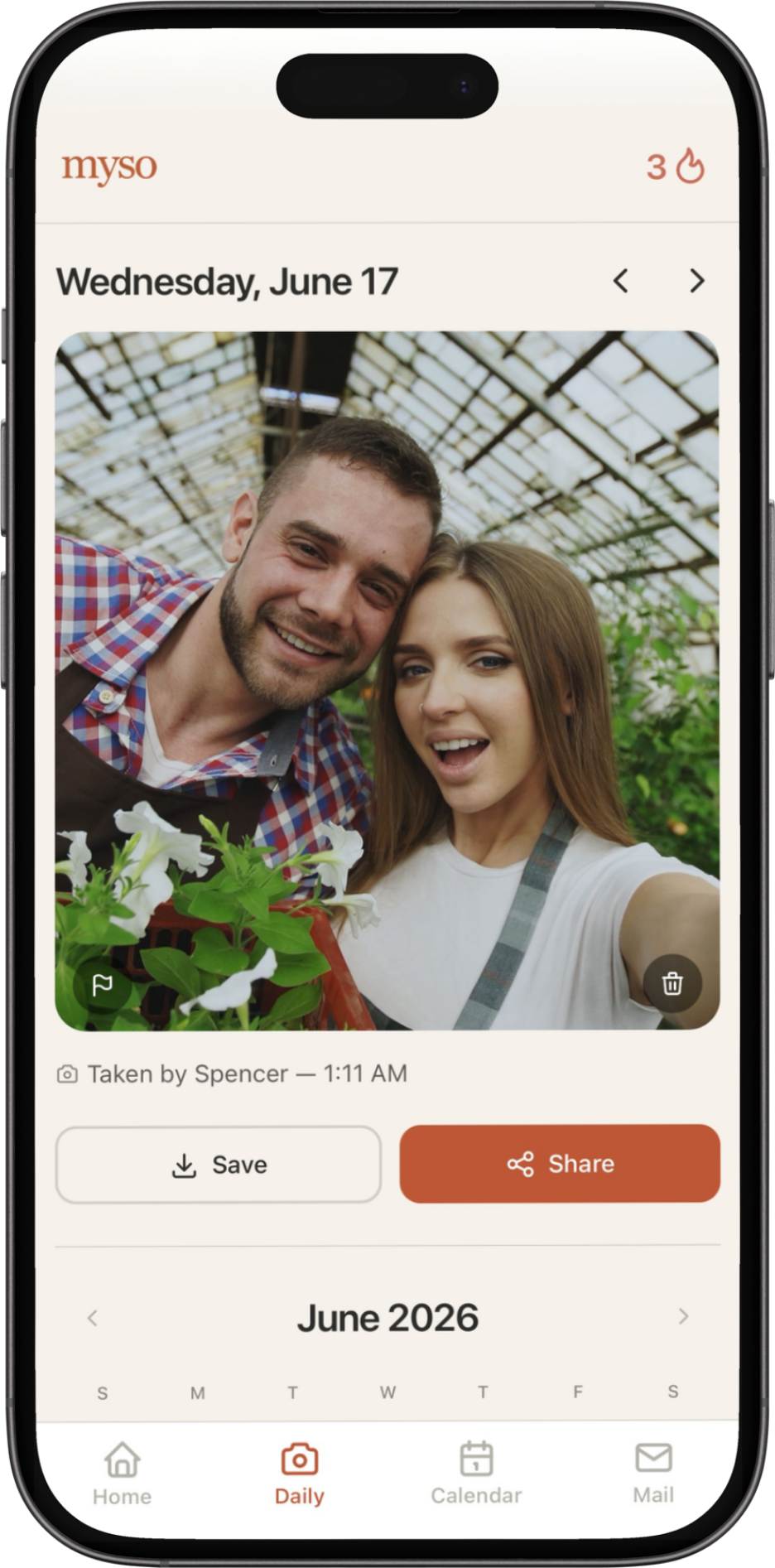
One photo a day. Take one of you two together, a fun pet pic, or anything else you want to represent the day.
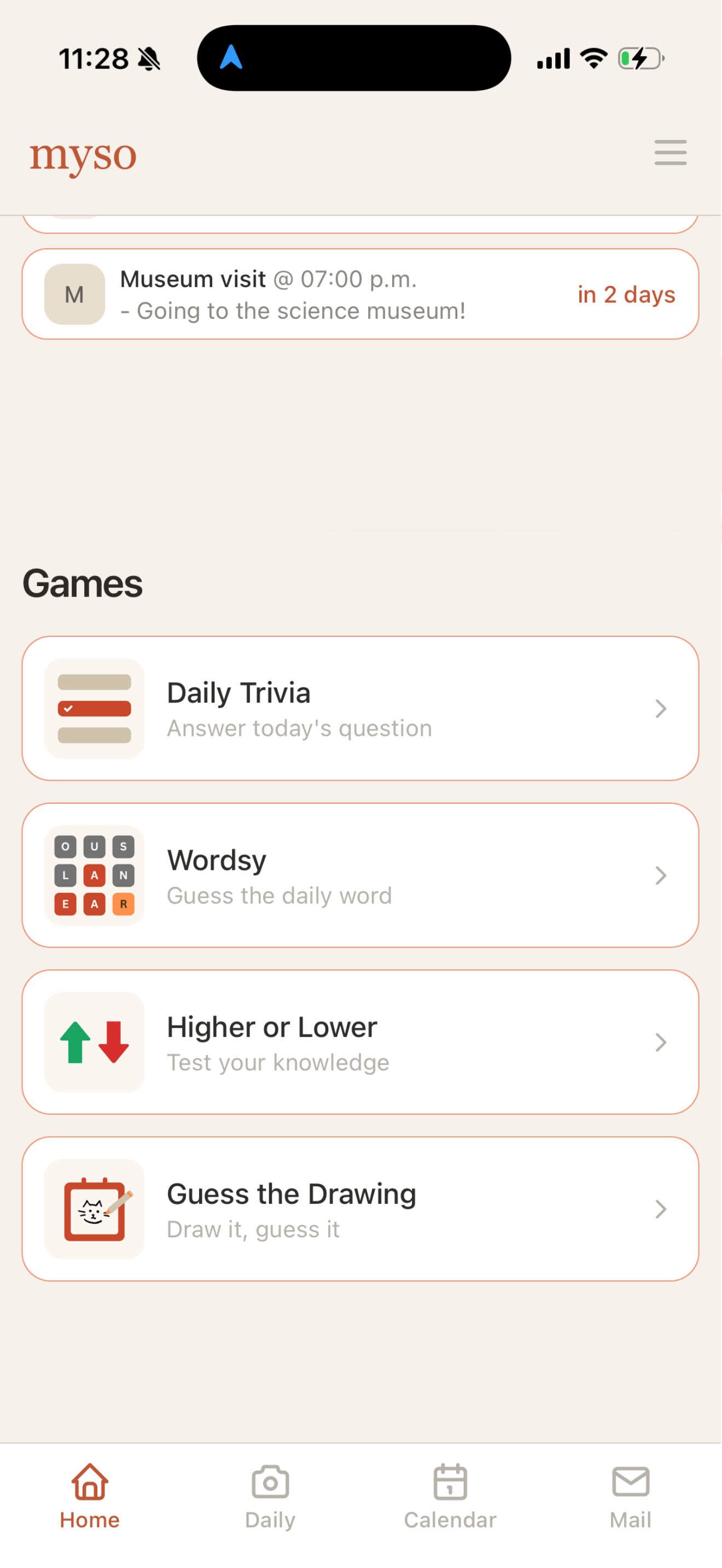
Play a variety of quick games against your partner, that reset every day at midnight.
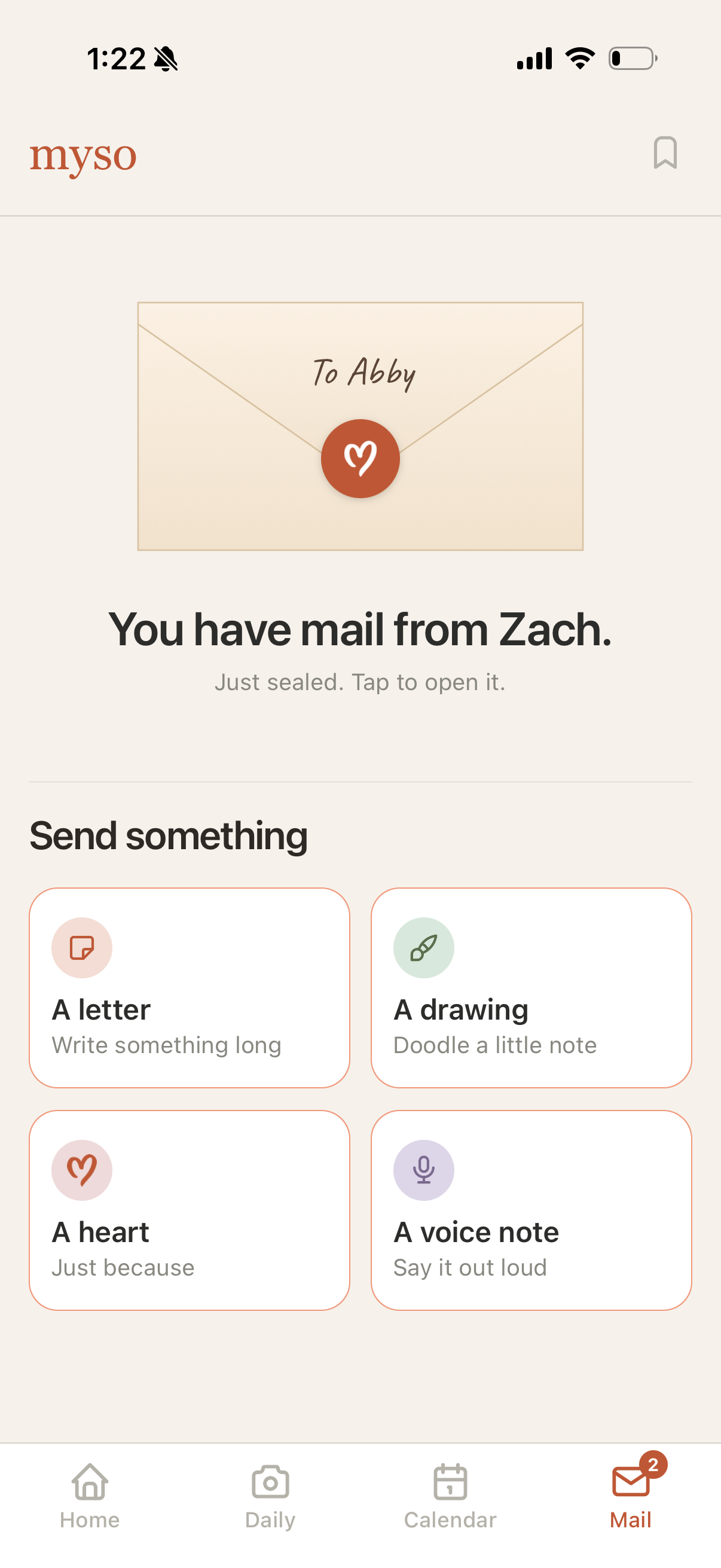
Letters, drawings, voice notes and hearts — sealed until they tap to open.
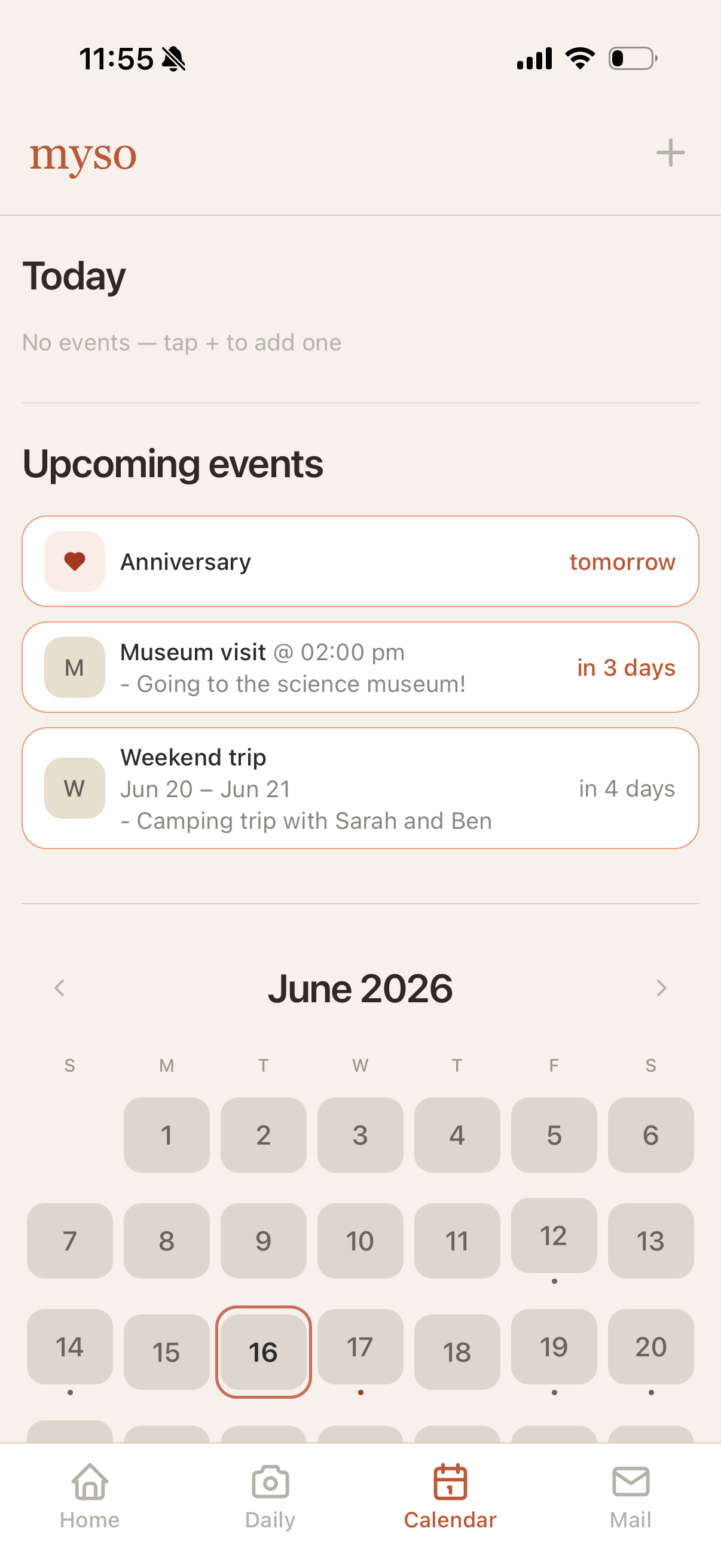
Stay organized and plan activities together. Birthdays, museum visits, weekend trips — one calendar for both of you.
The short version of everything couples ask us. Tap a question to expand it.
Myso is made for exactly two people. After you create an account, you'll see your invite code — share it with your partner, and they can enter it when they sign up (or from their pairing screen). Once the code is entered, your two accounts are connected and everything in Myso is shared between just the two of you. Invite codes refresh regularly, so share a current one.
Each day, either partner can add one photo to your shared journal using the in-app camera. Adding a photo keeps your streak going, and every photo is saved to your photo calendar so you can look back on your days together.
First, make sure notifications are enabled for Myso in your phone's Settings. Then check the in-app notification preferences (in the More tab) to confirm the notification types you want are turned on. If it still isn't working, try signing out and back in, and make sure you're on the latest version of the app.
Myso premium unlocks the full experience — including your complete photo history, the full games library, all photo share designs, unlimited letter sends + saves, and all future premium features. When one partner subscribes, premium is unlocked for both of you. You can subscribe from the upgrade screen in the app.
If you've already purchased premium and it isn't showing (for example, after getting a new phone or reinstalling), open the premium screen in the app and tap Restore Purchases. Make sure you're signed in with the same Apple Account you used for the original purchase.
Subscriptions are billed and managed by the App Store. To change or cancel, open Settings on your iPhone → tap your name → Subscriptions → Myso. Cancelling stops future renewals; you keep premium until the end of the current billing period.
Either partner can disconnect at any time from Settings in the app. Disconnecting permanently deletes all shared content — mail, daily photos, calendar events, and game history. This can't be undone. Your individual accounts remain, so each of you can pair with a new partner later.
You can delete your account at any time in the app under Settings → Account → Delete Account. Deleting your account removes your profile and disconnects you from your partner, which permanently deletes your shared content. If you have any trouble, email us at contact@quiethourstudio.co and we'll take care of it.
If something isn't working, or you need to report content or behavior, email contact@quiethourstudio.co. Include your account email and a short description, and we'll look into it promptly. There is also a report button on the bottom left of your daily images where you can file a report as well.
Questions, feedback, or trouble with the app? We're happy to help — email us any time and we'll get back to you as soon as we can.
contact@quiethourstudio.co Free for every couple · iOS